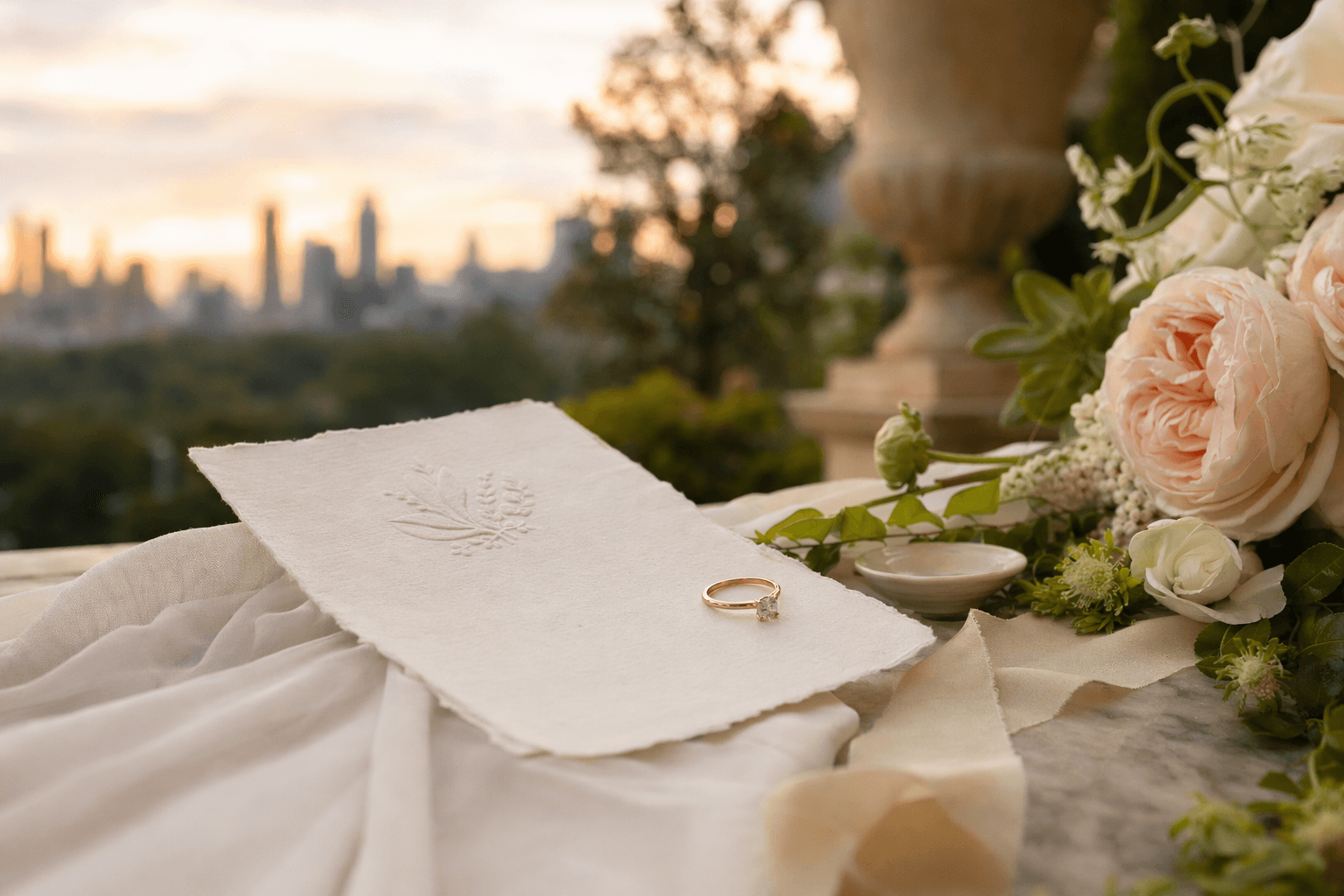
The best wedding planning decision you can make is to visualize before you commit. AI vision tools let you see your wedding rendered as a photograph before you talk to a single vendor. Here's a practical guide to using them well.
Here's the most expensive mistake in wedding planning: committing to vendors, décor, and a venue before you've actually seen what your event will look like. AI wedding vision tools fix that. This is a practical guide to using them well — written by people who both build one and use them personally.
Why visualization matters more than you think
Most couples plan their wedding in language, not in images. They describe it to each other ("I want something romantic, not too stuffy, elegant"), they describe it to planners ("garden-y with gold accents"), they describe it to vendors. The translation from language to actual event is where things go sideways.
You describe "romantic garden" and your florist delivers arrangements that match their version of "romantic garden." You think "gold accents" and your stylist brings polished brass. You wanted champagne gold. These small misalignments accumulate across six or seven vendors until the day feels almost-right instead of right.
An AI wedding vision tool forces a conversion from language to image before you commit. You pick a style, you see a rendered version, you react to it. "Yes, this feel" or "No, too formal, lighten it up." That reaction is the most valuable data point in the entire planning process because it commits your preferences to something concrete enough to share.
What a good AI wedding vision tool should do
- Render a photograph-quality image of your event based on your inputs.
- Preserve your actual venue if you upload a photo. Don't replace it with a generic ballroom.
- Match the event type — wedding, birthday, corporate, anniversary. A corporate event shouldn't come back looking like a wedding reception.
- Handle color accurately. Your gold should look champagne gold, not amber. Your blush should look rose, not peach.
- Generate quickly — under 90 seconds is the benchmark.
- Give you something you can share — a downloadable image or a shareable URL, not a locked screen you can only view on the tool.
How to get the best output
From testing The Grand Moment's vision tool with our early users and across our own team, here's what we've noticed the best outputs have in common:
Pick one style direction confidently
Don't try to blend "rustic" and "royal opulence." Pick one — the one that most represents the feeling you want. If your inputs are contradictory, the AI produces a muddle. Couples who pick confidently get cleaner output.
Write a short description, not a checklist
If the tool lets you add a freeform description, resist the urge to list 20 design elements. Describe the feeling in 2–3 sentences: "Relaxed garden ceremony under mature trees, reception with long farm tables, candles everywhere, nothing precious or overly formal." That's a great brief. "Floral arch with peonies and roses, sweetheart table, 5 rows of chairs, chiavari, blush pink napkins, gold chargers, string lights..." is a terrible brief — no room for the AI to interpret.
Upload your venue photo if you have one
A real venue photo dramatically improves realism. The AI can preserve the actual architecture — your columns, your windows, your floor — and just add the decor. Without a venue photo, the tool uses a sample space matched to your style, which is still useful but less personal.
Regenerate if the first output isn't right
Good tools let you iterate. If the first render is 80% right but too warm, too sparse, too formal — adjust your inputs and regenerate. The second render is usually significantly better because you've refined your own sense of what you want.
How to use the output with your planner and vendors
Share the AI vision as a style direction, not a literal specification. The framing matters. Two sentences we'd recommend:
"Here's the feel I'm going for. I know the exact details will depend on what's in season and what you recommend — but this is the vibe I want us to land on."
That phrasing gives the vendor creative latitude while anchoring the conversation. Vendors who've worked with us say this makes their job dramatically easier because they can react to something visual immediately, instead of a round of clarifying questions.
Do not walk into a florist's meeting with an AI vision and say "recreate this exactly." That sets up failure — real flowers aren't identical to renders, and a florist who tries to literally reproduce an AI output is signing up for disappointment. Use it as direction, not demand.
Common misconceptions
"The AI will replace my wedding planner"
No. An AI vision tool complements a planner — it gives you and the planner a shared reference point. If anything, it makes the planner more efficient because they spend less time extracting what you want from you and more time executing against a clear direction.
"The output will look exactly like my wedding"
No. Think of it as a mood board made photographic. The aesthetic, the density of decor, the general style — those carry through. The exact floral arrangement and the precise layout will differ in real life. That's fine; that's what vendors are for.
"AI visions aren't professional enough"
The quality has improved dramatically. A good 2026 AI render is indistinguishable from a real event photo to most viewers. We've had couples ask "is this my actual wedding?" when they saw their render — the aesthetic fidelity is high enough that even they couldn't tell it was synthetic.
Which AI wedding vision tool to use
We obviously built one — The Grand Moment's AI vision is free, takes about 60 seconds, and comes with a curated list of Atlanta vendors matched to your style. If you're in Atlanta, that's the fastest path.
There are other tools in the space — some are free, some are premium, some are venue-specific (offered by individual venues to their booked couples). None of them are comprehensive for every use case. Our honest advice: start with a free tool to see if the technology is useful for you at all. If it is, go deeper with whichever specific tool fits your planning stage.
What to do after you have your vision
Three things:
- Save it. Screenshot, download, or save the link. You'll want to reference it throughout planning.
- Share it with your partner. Get alignment on the direction before the first vendor conversation.
- Share it with your planner and key vendors. Start the conversation at "here's where we're headed" instead of abstract description.
That's it. The rest of the planning process looks the same — venue, vendors, menus, seating charts — but it happens against a clear visual direction instead of a vague one. Which means fewer wrong turns, fewer wasted conversations, fewer quotes for the wrong thing.
Start your own vision. Free, 60 seconds, no card.
Your Vision Awaits
Describe Your Dream Event
Get matched with vendors who specialize in your exact style, budget, and vision.
Get Matched